Project path
How a training project takes shape
You’ll review the plan and working versions with us before we prepare the training for handover.
Define the lesson
References + goals
Share photos, CAD or procedure documents, and describe what people need to practise.
Scope discussions
We discuss what the training should cover, where it will run and what your team needs to review.
Lesson plan
We map out the learner’s actions, prompts and feedback.
Build and review
Early version
We build a working version for your team to try.
Review + revisions
Your team checks that the training follows the real procedure, then we make changes based on their feedback.
Testing + handover
We test the training on the target devices and prepare the agreed files for handover.
Start with one task
Write down who will use the training and what they need to practise. “Train staff in maintenance” could mean many different lessons. “Identify the faulty component and choose the next action after an inspection” is easier to turn into an exercise. If several roles use the same equipment, name the role this first scenario serves.
Decide what learners should demonstrate in the application: identify a fault from evidence, choose a response and explain their reasoning. Then list what an instructor still needs to check in person. A simulation result shows how someone handled that scenario. It does not establish competence on real equipment or in every workplace condition.
If you're still choosing a format, read when VR makes sense for equipment training. Once you have a task, the next step is deciding what the exercise includes.
Set the scene and its limits
Where does the exercise begin? The learner might enter a work area, receive a report, or find equipment already prepared. Decide where it ends too: after a decision, a procedure, or a handoff to an instructor. Name the setting and the objects the learner can inspect or operate.
Which complications belong in this lesson? An unavailable part, an unexpected reading, a wrong first choice, or a condition that requires stopping may change what the learner does. Use your team’s approved procedure and have a subject expert define and check responses to unusual cases. Note what the first version leaves out so reviewers can compare it with the plan.
Decide how practice works
Will learners follow prompts, work through the task on their own, or take an assessment? Guided practice might show the next step and explain a mistake. An assessment might hold back hints, record decisions and show a result at the end. The same scene can support either approach, but each needs different feedback and scoring rules.
Decide what happens after a mistake: can the learner try again, does the exercise reset, or must they stop? Choose what feedback learners and instructors should see. If the exercise has a score or pass condition, define the actions and have a subject expert review them. For reports or learning-system connections, list the information and destination.
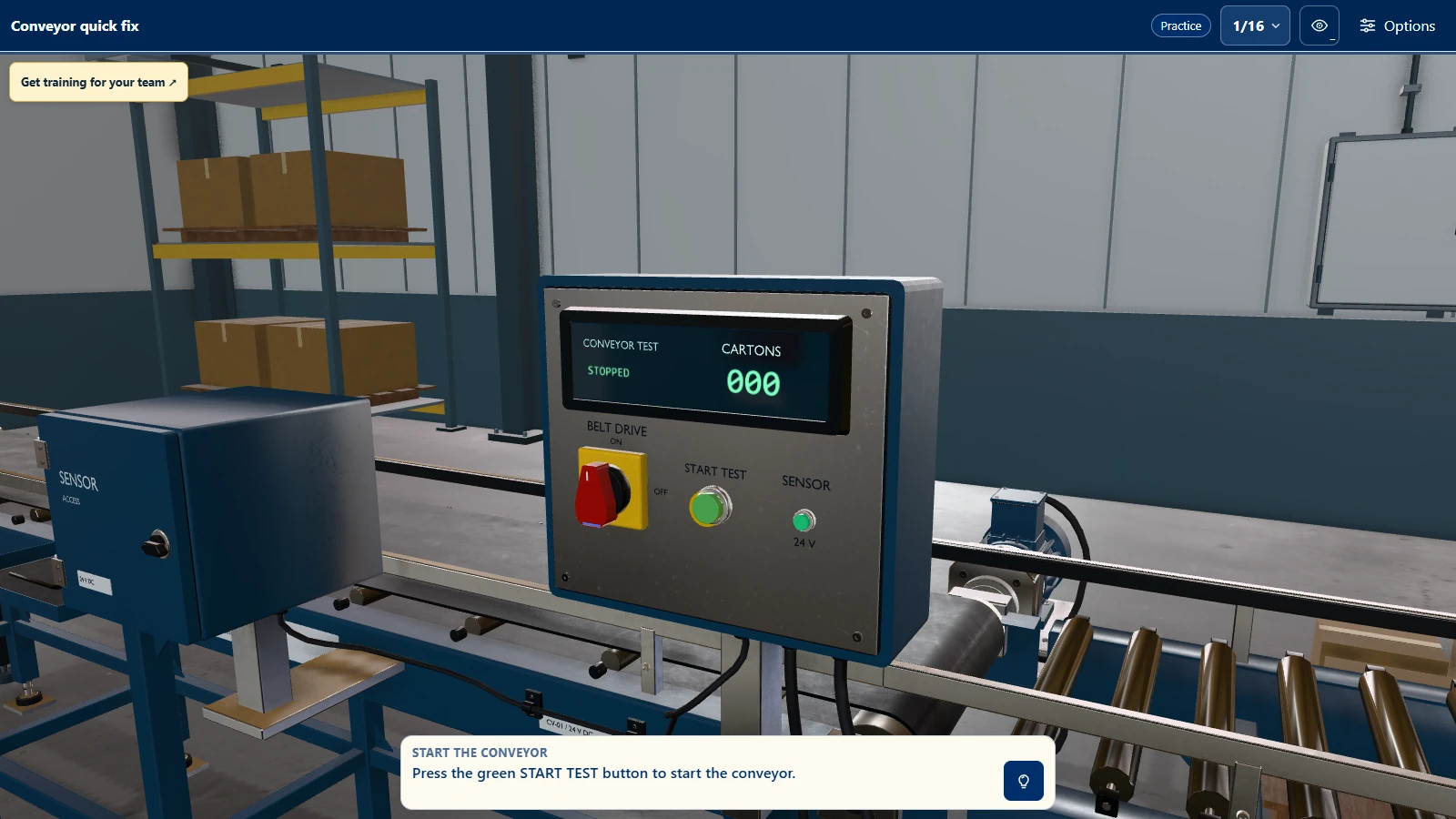
Bring the source material
Gather the current approved procedure, diagrams, photographs, equipment details and any training material you can share. Existing equipment drawings or 3D models can help us represent the machine, provided you have the right to share and use them for the project. Mark which sources govern the task, which are only visual references and what is missing. If documents disagree, name the person who can resolve it.
Name someone on your team who can answer content questions and review the task, including exceptions and feedback. A subject expert should approve the procedure and lesson content. Simvra builds and tests the features in the agreed scope. Set aside time for your subject expert to resolve procedure questions as the lesson plan develops.
Describe where it will run
List the target device, available computers, training space and who will install and support the application. Ask your IT owner about installation permissions, managed devices, updates, network access and offline use. Include the device model and any site restrictions.
For an existing application, note the changes you need and who maintains it. Simvra can work with them to check file access and permissions. Before work begins, agree on handover files, included rights and responsibility for future updates. The working-together page covers the broader process and commercial terms.
A fictional project brief
Imagine a training team asking learners to inspect a virtual pump assembly and decide what to do after spotting a visible leak. The exercise begins with the assembly already isolated. It ends when the learner records a decision for an instructor to discuss. A guided version points out inspection locations. An independent version records the choice before showing feedback. The training team supplies its approved inspection procedure and decides which observations support each response.
The target device, source rights, exact observations, exceptions and practical checks outside the simulation are still open. Listing those gaps lets the team work out the details before building the exercise.
Check the finished exercise
Use the brief to test what was built. Can someone start and finish the exercise on the target device, follow the procedure, try each specified exception and see the right feedback? If the project includes a report or integration, test that too. Check installation and offline use if they matter at the training site. The content owner should review the wording and behavior against the procedure.
Decide how you'll handle requests that come later. A corrected procedure, another device or an assessment mode may change the work. Write down what changed and its effect on the project, then decide whether to include it before implementation starts.
Make a short brief
Copy these questions into a document. It's fine to leave a few marked “to confirm” while your team works through them:
- Learners and task: who is training, and what will they practise?
- Success: what action should the learner complete, and what needs a practical check?
- Scenario: where does it start and end? Which exceptions and exclusions matter?
- Practice: guided, independent or assessed? What happens after a mistake?
- References: approved procedure, equipment images or drawings, permission to use them, and missing material.
- Content review: who can check the procedure, feedback and final content?
- Delivery: devices, installation owner, network or offline requirement, and handover.
- Existing training software: what needs to change, and who maintains it?
- Data: what reporting or integration is required, and where should it go?
- Final checks: what will reviewers test, and how will you decide on changes?
- Budget and timing: what range is available, and is the delivery date fixed or preferred?
For examples of completed work, visit Simvra's work. The VR and desktop training and browser training pages describe the available formats.