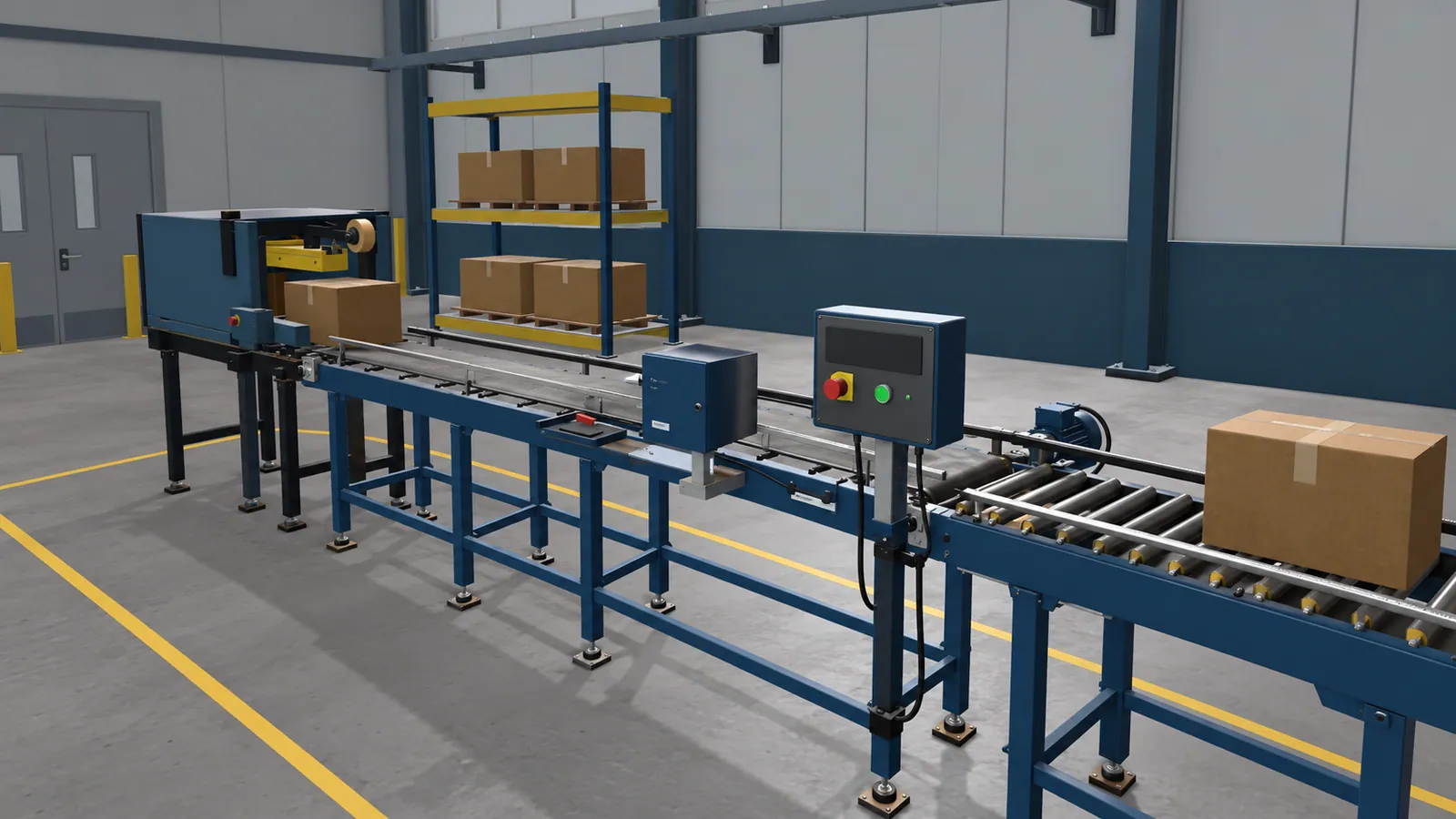
What happens inside an interactive lesson?
Take an equipment fault exercise. A learner sees the machine, checks the available clues, chooses what to inspect and decides on the next action. The lesson responds to that choice. A wrong selection can lead to feedback and another attempt. The instructor can then discuss why the learner chose it.
Slides are useful for explaining the parts and the approved procedure. Video can show an experienced person doing the task. An interactive exercise gives the learner a turn. That distinction matters when the lesson depends on recognising a condition, following a sequence or deciding when to ask for help.
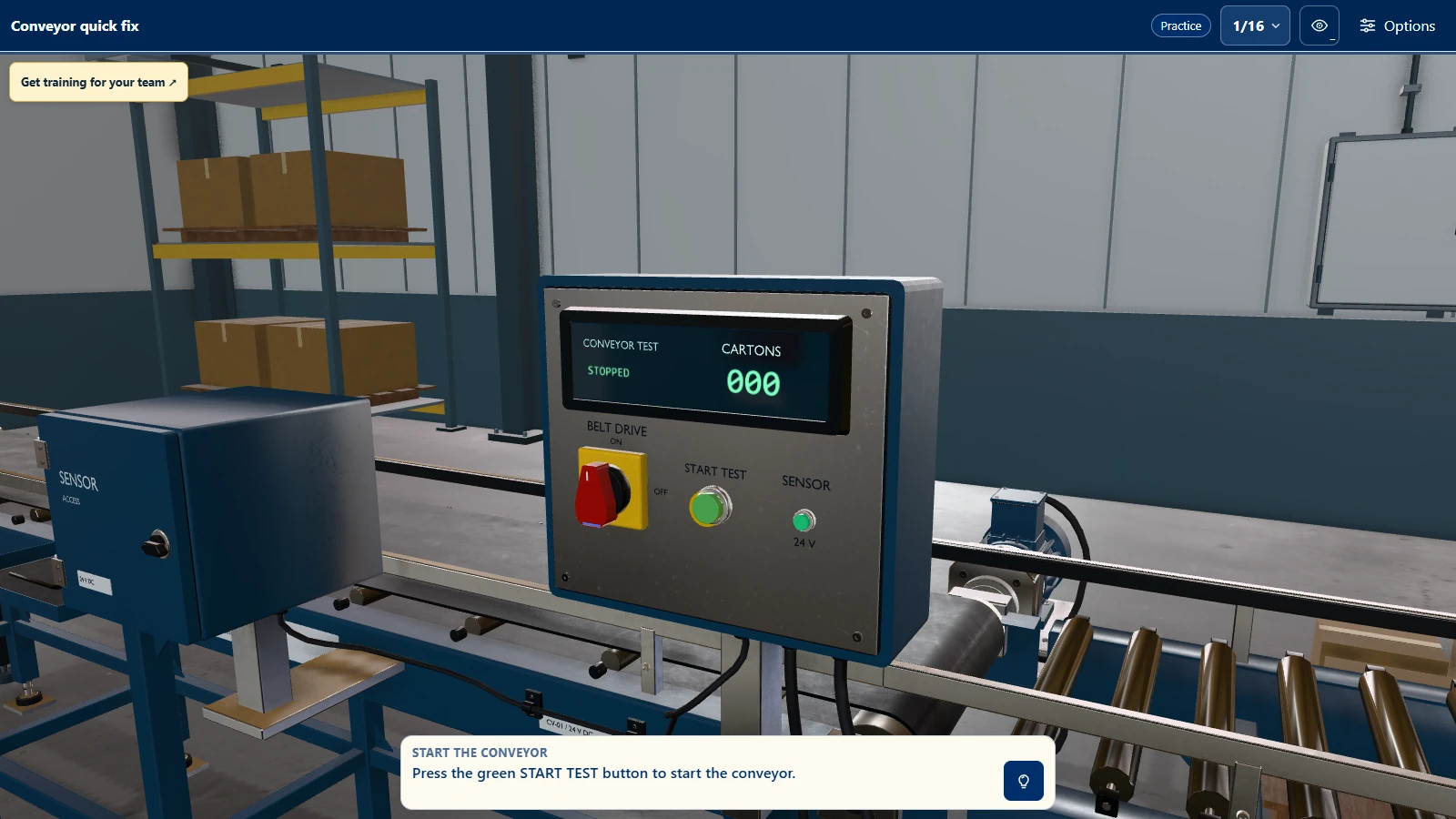
Try Conveyor Quick Fix, our public browser example. You can find a fault, repair the conveyor and test it with on-screen controls. It runs without a headset or installed training app. A custom lesson would use your equipment and procedure, with your subject expert reviewing what it teaches.
Which tasks fit a browser exercise?
Good starting points have something the learner can observe and a choice the instructor can review. Possible exercises include:
| Training setting | What learners could practise |
|---|---|
| Manufacturing | Inspect a machine and choose the next check based on the fault symptoms. |
| Healthcare | Review a virtual room and identify what needs attention before it is ready. |
| Education | Explore a mechanism, change one setting and explain the result. |
| Facilities | Locate the relevant equipment after an alarm and choose the next step. |
Your procedure owner defines the steps and feedback. For work involving live equipment or people, the browser exercise supports the organisation's practical training and assessment.
A short reference or demonstration may serve the learner better if there is no meaningful decision to practise. Ask what someone should be able to do after the lesson. If the answer is only recall a fact, a simulation may add work without adding useful practice.
What should instructors be able to review?
Start with the mistakes or choices your instructor would discuss after a real practice session. A web lesson can be designed to record completed steps, incorrect choices, hints used and a result based on agreed criteria. Decide which of those records helps teaching before asking for a score.
An optional trainer dashboard can provide assignments and learner histories when a team needs to manage training across people. A connection to your learning system is a separate requirement. Specify which results it needs to receive and how instructors will use them.
Use lesson results to find what a learner should practise again. Your instructor still checks whether that learner can carry out the real task under the conditions that matter.
Plan access around the place of learning
A browser lesson avoids installing a training app on each computer. It still needs a suitable browser and an access plan for the machines learners will use. Shared computers, personal devices and managed school or workplace computers create different sign-in and privacy needs. Test the intended devices during the project.
Ask where the lesson will be hosted, who can open it and how long the agreed access lasts. If learners must practise without a network connection, raise that during scoping. An offline version is a separate requirement, not a property of a browser page by default.
A useful first brief
Describe one task and who needs to learn it. Send the current procedure or lesson notes and any photos or drawings needed to recognise the equipment. Name a subject expert who can review the steps and feedback. Then decide where learners will use the lesson and what the instructor needs to see afterwards.
Ask to review a working exercise with an instructor before extending it to more tasks. Watch a representative learner use it as well. Their confusion may come from the wording or controls rather than from the subject matter, and that is easier to correct while the scope is small.