Choose the task and the learner
A standard operating procedure, often called an SOP, may cover several roles and stages of work. A new starter learning to identify parts needs a different exercise from a technician diagnosing a fault. Choose the part of the procedure that matters to the first group of learners.
Write down what someone should be able to do at the end. For example, a packaging lesson might ask a learner to compare a carton label with an order and recognise a mismatch. That gives the lesson a clear decision to teach and check.
For the wider project brief, including devices and source material, use the training project planning guide.
Decide what the learner must notice
Instructions such as check the label or inspect the assembly leave questions for the lesson designer. Which details need checking? What would make the learner pause? What should happen when information is missing? Your subject expert supplies those answers from the approved procedure.
In the packaging example, the exercise could show an order and a carton with different product codes. The learner must inspect both before deciding how to handle the discrepancy. The table shows how that example becomes a lesson.
| Part of the task | What the exercise needs | What to review |
|---|---|---|
| Compare the information | Readable order details and a label the learner can inspect. | Can they find the relevant fields without the answer being highlighted? |
| Recognise a mismatch | A difference that affects the next decision. | Can they explain which details do not match? |
| Choose the next action | Options based on the site's approved handling procedure. | Do they choose the required response and know who to involve? |
The scene needs enough detail to support those checks. A larger warehouse model adds little if the exercise only depends on the order, label and handling decision.
Write the response to each choice
Decide how the lesson handles a correct action, a mistake and an unfinished check. A message saying incorrect gives little help. In the label example, feedback could point out the two conflicting fields and explain why the chosen response does not follow the procedure.
During practice, the learner might get a hint and another attempt. In an assessment, you may want them to work without prompts and review the result afterward. Define which errors affect the result and whether using help changes how an attempt is recorded.
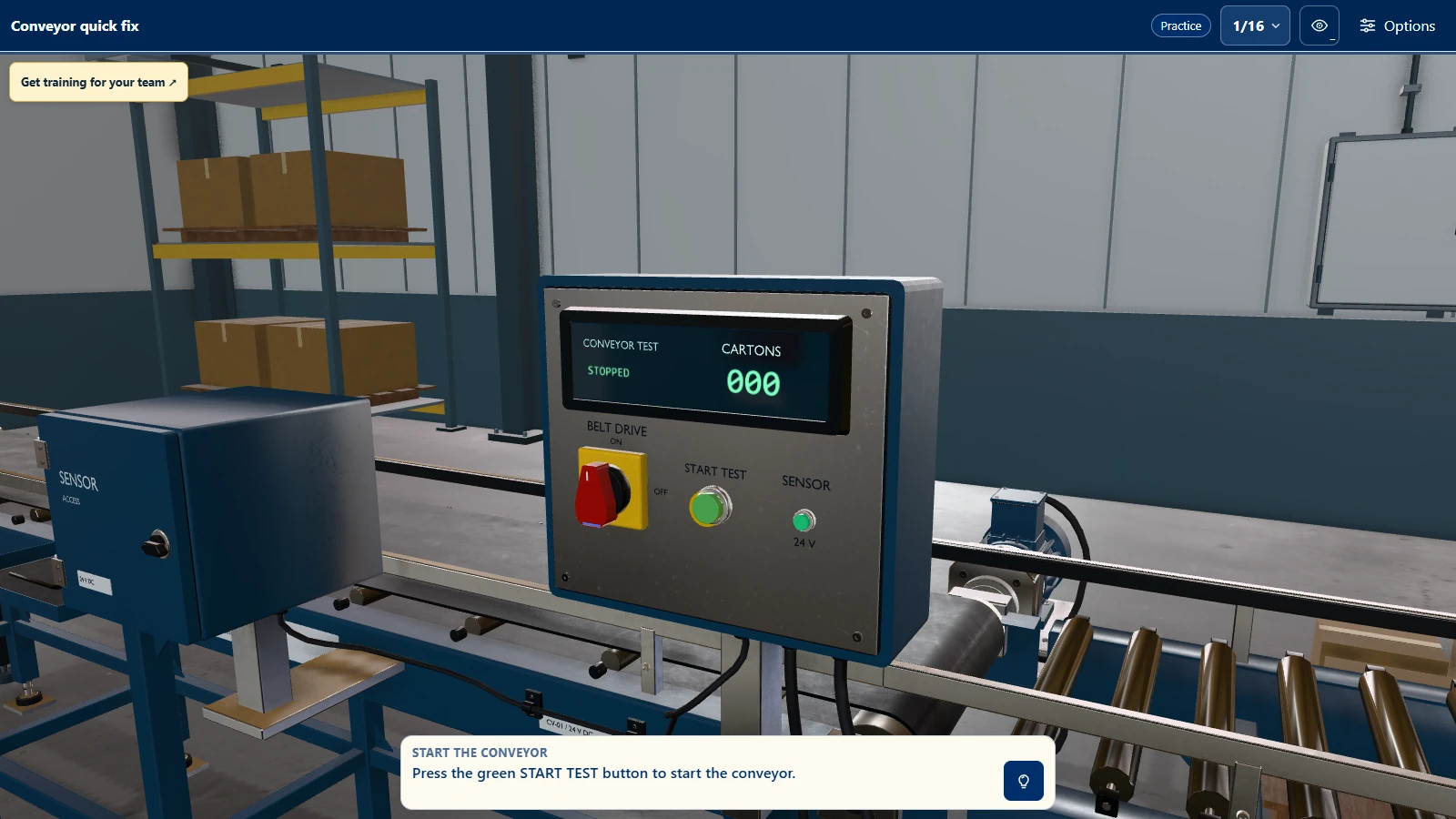
Our Conveyor Quick Fix demo gives you a working example of equipment interaction and task instructions. Its lesson is to find a fault, repair the conveyor and test it. Your own exercise can cover a different machine, workflow or subject.
Review the lesson while it is taking shape
The source documents are the starting point for discussion. An early lesson plan can reveal an exception, an unclear instruction or two documents that describe different versions of the task. Name someone who can resolve those questions and approve the content.
Review the learner's view as well as the written steps. Check that the right information is visible, the available actions make sense and the feedback explains the intended procedure. If a step relies on a sound, a physical force or a conversation, decide how much of it the chosen format can represent.
A working version gives the expert something concrete to try. Their corrections should inform the next version before the lesson goes to learners.
Watch someone new try the exercise
Ask a representative learner to complete the task without the designer talking them through every screen. Note where they hesitate and ask what they expected to happen. A wrong answer may reveal a training need, but it can also expose unreadable information or a confusing control.
After a revision, try a variation of the task. In the packaging example, change the order details rather than leaving the same mismatch in the same place. This helps you check whether the learner understands the comparison or remembers the answer from the first attempt.
Your instructor still needs to decide how the exercise fits with supervised work. A simulation result records performance in that exercise. Practical skills that depend on real tools, physical handling or workplace conditions need an appropriate check outside it.
Use the format the task needs
Reading details, choosing a response and reviewing feedback may fit a browser, PC or tablet lesson. A task involving spatial awareness or movement around equipment may benefit from VR. Controls, screen size and the place of learning affect that choice.
You can compare the options in our guide to training formats. Start with the learner's task, then decide how they should practise it.