Video gives everyone a clear view of an explanation
A good equipment video can bring a small detail into view, slow down a movement and explain why an experienced person does something. The learner can pause or replay the section they need. When the aim is to show what a process looks like, that can be a direct and useful way to teach it.
Video also preserves the real appearance of the equipment and the person demonstrating it. A close view of a hand movement may explain more than a simplified virtual model. If the learner needs a reminder before supervised work, an existing video may already answer their question without another training format.
Simulation asks the learner to make the next move
In a simulation, the learner might explore a machine, inspect a component or decide what deserves attention. The experience responds to their action. That creates a gap between recognising the correct step when someone shows it and choosing the step while looking at the equipment themselves.
Consider a fault-finding lesson. A video can show an expert investigating a problem and explain the reasoning. An interactive version can ask the learner to choose what to inspect, then show the information available there. The learner gets to test their own understanding before watching or discussing the explanation.
An attempt gives the instructor more to discuss
Watching a complete video tells you that someone has had access to the explanation. A separate task can show whether they can apply the explanation. Questions can help check understanding, and a conversation can reveal where the person needs more support.
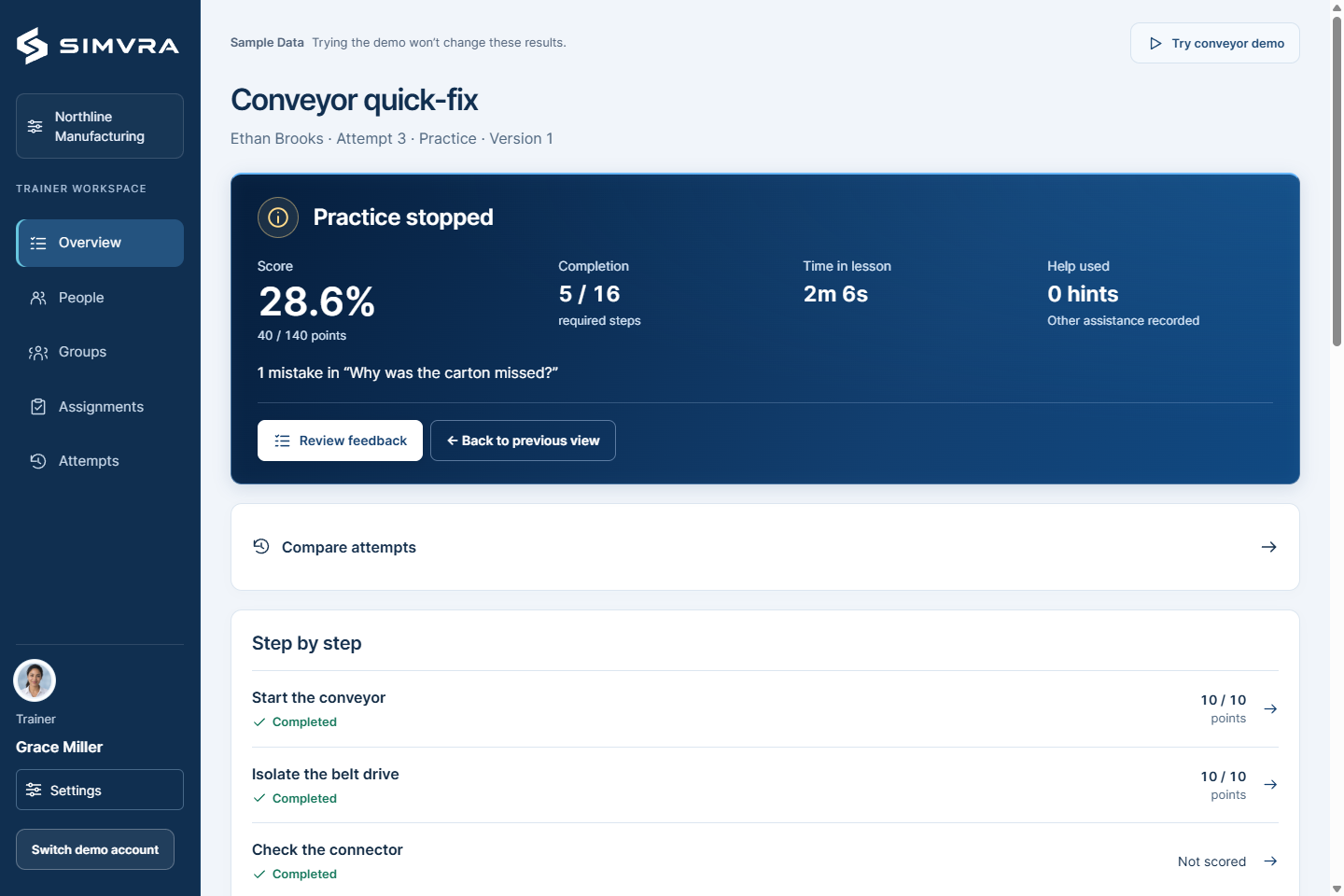
A simulation can make the attempt itself part of that conversation. Where did the person look first? Which choice confused them? Those observations help distinguish a missed explanation from difficulty applying it. What an instructor can actually review depends on the lesson and the actions it makes visible or records.
The formats can share the same learning task
A video can introduce the real equipment before a learner tries an interactive exercise. After the attempt, a short explanation can address the point that caused difficulty. This gives each format a reason to be there and avoids asking a simulation to carry every part of the lesson.
The reverse can work too. An initial exercise can reveal what someone finds confusing, making the later demonstration more relevant to them. The order depends on the audience and the task. A new starter may need more explanation before trying, while an experienced employee may benefit from attempting an unfamiliar variation first.
Choose around the difficulty people are having
If people need to see a task clearly, improve the demonstration or its accessibility. If they can explain the task but struggle to choose what happens next, an interactive exercise is worth considering. VR can add a sense of position around equipment, while a browser lesson can support many inspection and sequence choices without a headset.
Both formats still leave parts of the job for practical instruction. Watching or selecting a component does not reproduce its resistance, weight or feel. A useful training mix gives learners preparation they can revisit and keeps supervised practice for the skills that need real equipment.