Decide which part of site training needs more practice
Site induction, hazard recognition and machine operation need different exercises. Choose one task so the simulation can focus on the skills it requires.
- For induction, learners could find work zones, identify who to contact and practise choosing an authorised route.
- For hazard recognition, they could inspect a scene, explain a concern and choose the site-approved response.
- For equipment familiarisation, they could locate controls and inspection points before a supervised equipment session.
- For operator practice, the simulation needs appropriate controls and machine behaviour for the skills being taught.
A walkthrough that teaches where to look will not necessarily teach vehicle handling. Be clear about which skill the exercise covers so the instructor can connect it to the next practical activity.
Use one changed condition in the scenario
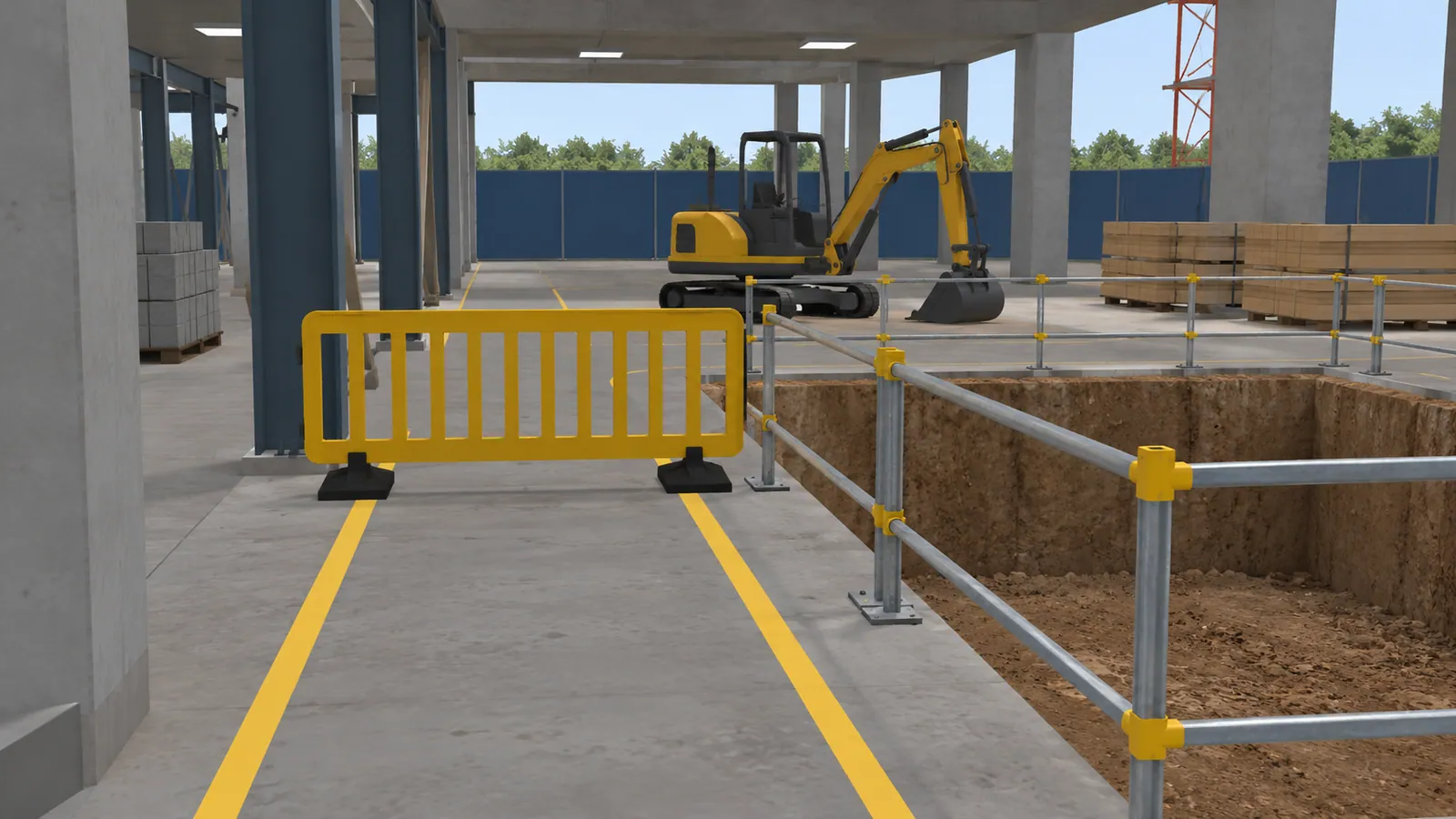
Consider a proposed lesson where a familiar pedestrian route has been closed by new work. The trainee has to notice the change, gather the relevant information and choose an approved next action. Your site lead supplies the route rules and escalation process.
The feedback should explain what the learner missed and why their choice matters. On a second attempt, change the location or the surrounding activity so they have to inspect again. This can reveal whether they understood the decision or remembered where to click.
Afterwards, ask the group what else they would want to know before proceeding. A short discussion can expose assumptions that a multiple-choice score misses.
An equipment-training example
The excavator trainer built for United Tractors School covers operation and maintenance. One maintenance exercise includes cleaning the air filter and marking the service record.
Muhammad Faisal designed and built that PC VR application at a prior employer, which held the client contract. It was delivered in 2019 and is shown with portfolio permission. See the project and Faisal's role.
For a construction programme, the equivalent lesson should use the relevant machine and your approved training procedure. A desktop version may suit familiarisation. Operating skills that depend on physical controls need a suitable training setup.
What the safety research measures
A Finnish trial by Nykänen and colleagues compared VR and lecture-based safety training among 119 construction workers from eight workplaces. It reported benefits in safety motivation and related measures, including self-reported safety performance one month later.
The trial did not measure a reduction in injuries. For your own course, use observations your trainers can review: missed hazards, the reasons for a decision and performance in an appropriate supervised follow-up. A simulation result does not by itself establish permission to operate equipment or replace required site training.
Keep the scenario useful as the site changes
A generic work area can teach a recurring type of decision. An exact site model is useful when the layout itself is part of the learning objective, but someone needs to review it when routes or working arrangements change.
Decide whether the lesson teaches a general principle or the current arrangement of a particular site. For the latter, identify the person who supplies revisions and approves the updated lesson. Include that work in the project plan instead of assuming a one-off model stays current indefinitely.