What can people practise before they have access?
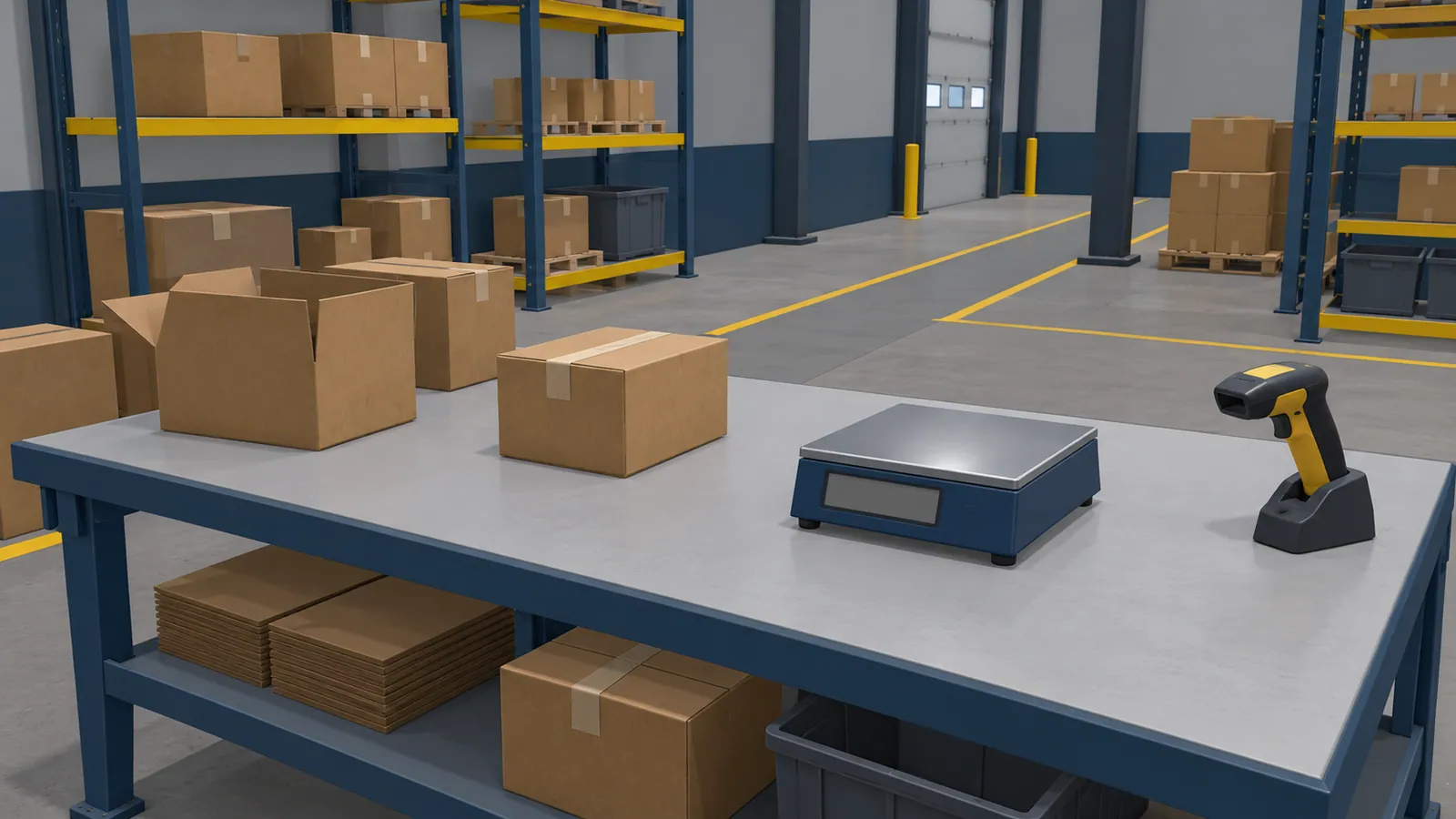
Imagine a planned packaging and checking station. Cartons will pass through an automatic check, and an operator will review the displayed result. The equipment has not arrived, so the training team has a supplier layout and draft operating screens.
An early exercise could ask learners to follow a carton through the station, find the inspection result and explain what information the quality team needs. They could become familiar with component names and distinguish a completed check from a result that needs clarification.
Choose the parts your trainer can already explain with confidence. If the supplier is still deciding how an unclear result appears, teach the confirmed equipment layout first. Leave the unresolved decision out of the learner’s task until someone can approve its meaning and response.
Use the materials available during design
Ask which supplier drawings or 3D models describe the planned machine. Proposed screen images can show what operators will read. Sample packaging, inspection criteria and the intended work instructions help the trainer explain what a result means. A short conversation with the supplier can resolve details a drawing leaves unclear.
Give each source a date or revision number. Identify whether it is approved, proposed or awaiting a decision. Photographs of a similar station can help explain the idea, provided everyone knows which details differ. Avoid teaching the position of a control from a reference machine when the new layout has not been confirmed.
The first lesson only needs the material relevant to its task. For the checking example, readable results and an accurate explanation of the carton’s route matter more than modelling the surrounding factory.
Separate early practice from checks on the machine
Keep a short list beside the lesson so the trainer knows which points to revisit when the station arrives.
| Part of the task | Prepare now | Confirm on the actual machine |
|---|---|---|
| Finding equipment | Names and positions from the reviewed layout. | Installed positions, labels and working space. |
| Reading a check result | Interpret examples from the approved screen design. | Final wording, visibility and when results appear. |
| Explaining a discrepancy | Describe the information the quality team needs. | The approved reporting route and assigned responsibilities. |
| Handling packaging | Recognise the intended carton types. | Physical handling and equipment use under supervision. |
Your equipment supplier and site specialists define the operating instructions and safety requirements. The training exercise follows the parts they have reviewed.
Keep design changes visible to the trainer
Suppose the supplier moves the checking display to the opposite side of the station. A lesson about reading its messages may need a small visual revision. An exercise about where the operator stands needs another review of the task itself.
Record the change against the affected lesson step and source revision. Have the content owner decide whether the current exercise remains suitable. If it teaches an action that is now wrong, hold that exercise until it is corrected. Give trainers the lesson version and any unresolved points before they use it with a group.
Try one complete task with the trainer
Review a working exercise with the person who will teach it. For the hypothetical station, follow one carton through the check, read the result and prepare the information for a quality review. Include an unclear result if the approved lesson covers it.
Let the trainer try the choices a learner can make and read the feedback after a mistake. Can they explain why a choice is appropriate using the current source material? Does the exercise end where their classroom discussion or practical demonstration should begin?
Then watch a representative learner attempt the same task. Ask them to explain the result in their own words. Their explanation can reveal a misunderstanding that a correct selection would hide. Resolve content questions with the trainer before extending the lesson to more tasks.
Choose the format for this practice
VR may suit an exercise about looking around the planned station or recognising where parts sit. Desktop or browser training may suit reading inspection information and deciding what to report. A short mobile exercise can support recognition and review when its text and images are clear on the intended phone or tablet.
Try the proposed task on the intended devices. Check whether learners can read the result panel and move around the station using that version’s controls. Confirm separately whether it will save results or work offline.
Our VR and desktop training service covers lessons built around your equipment and procedures.
Continue the lesson after installation
When the equipment is available for supervised training, revisit the points left open during design. Walk through the installed station with the trainer and use the supplier’s final instructions to resolve differences. Update affected content before teaching it again.
Let learners apply the earlier lesson under your normal onsite training arrangements. The trainer can check whether they recognise the display, interpret the result and explain the next step for their role. Teach physical handling and the actual working conditions there. Record that practical check separately from virtual practice, and follow the site’s process for deciding who may work independently.