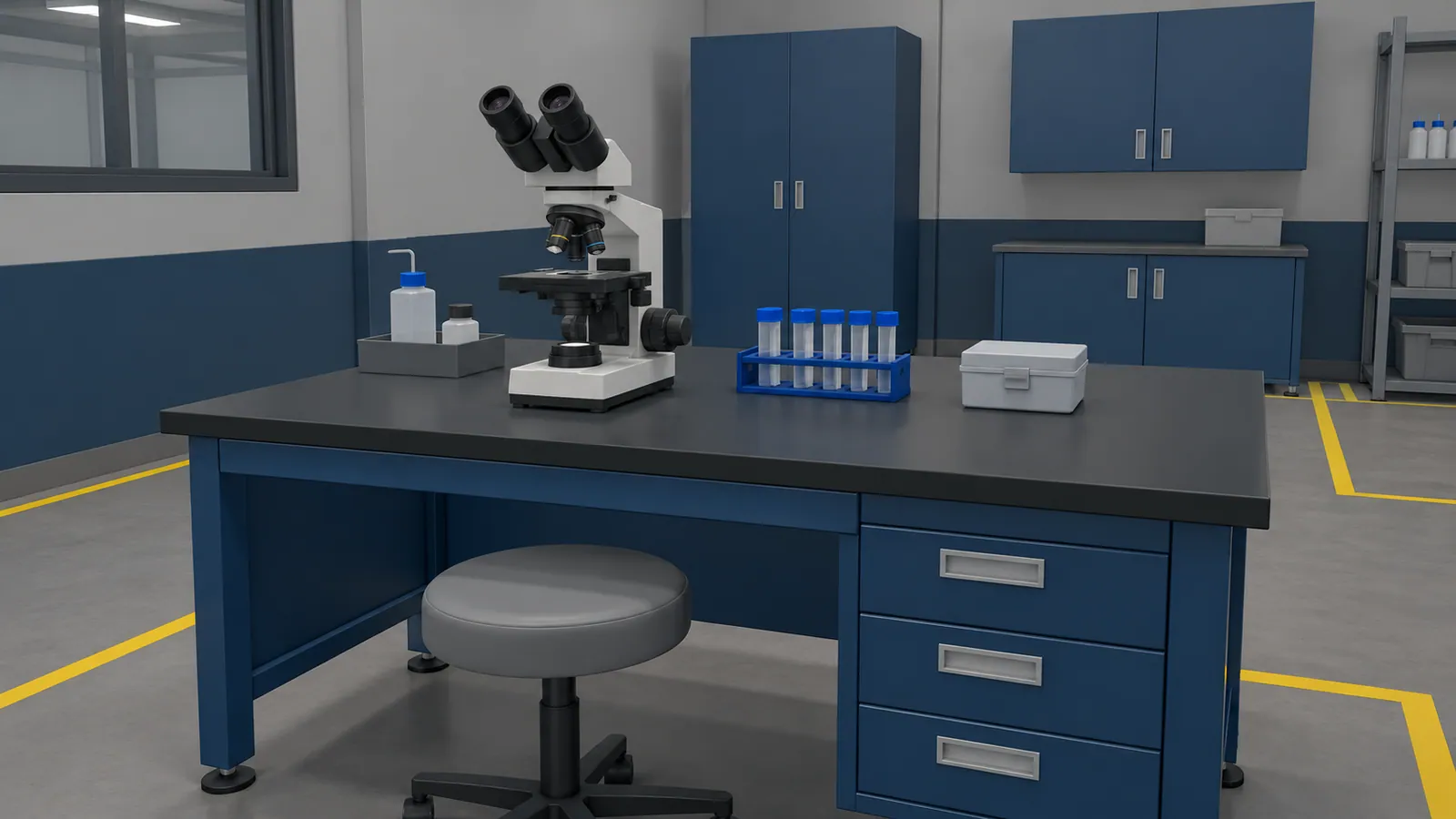
Choose something students should be able to explain or do
Instead of asking students to explore the workshop, ask them to find a component, explain its purpose and recognise when it needs attention. The teacher can then observe whether they meet that objective.
For science teaching, a simulation could let students change one variable and compare outcomes. For vocational education, it could rehearse the order of an assembly task. In both cases, the model needs to behave accurately enough for the lesson being taught. A simplified demonstration should make its assumptions clear.
Keep the first lesson tied to an existing part of the syllabus. Ask where students currently get stuck and which misconception the virtual exercise should address.
An example from welding instruction
The PC VR welding simulator built for Kampuh Welding School shows technique feedback above the workpiece, including work angle, travel angle, speed and arc length. Students can see the relationship between their movement and the feedback while practising.
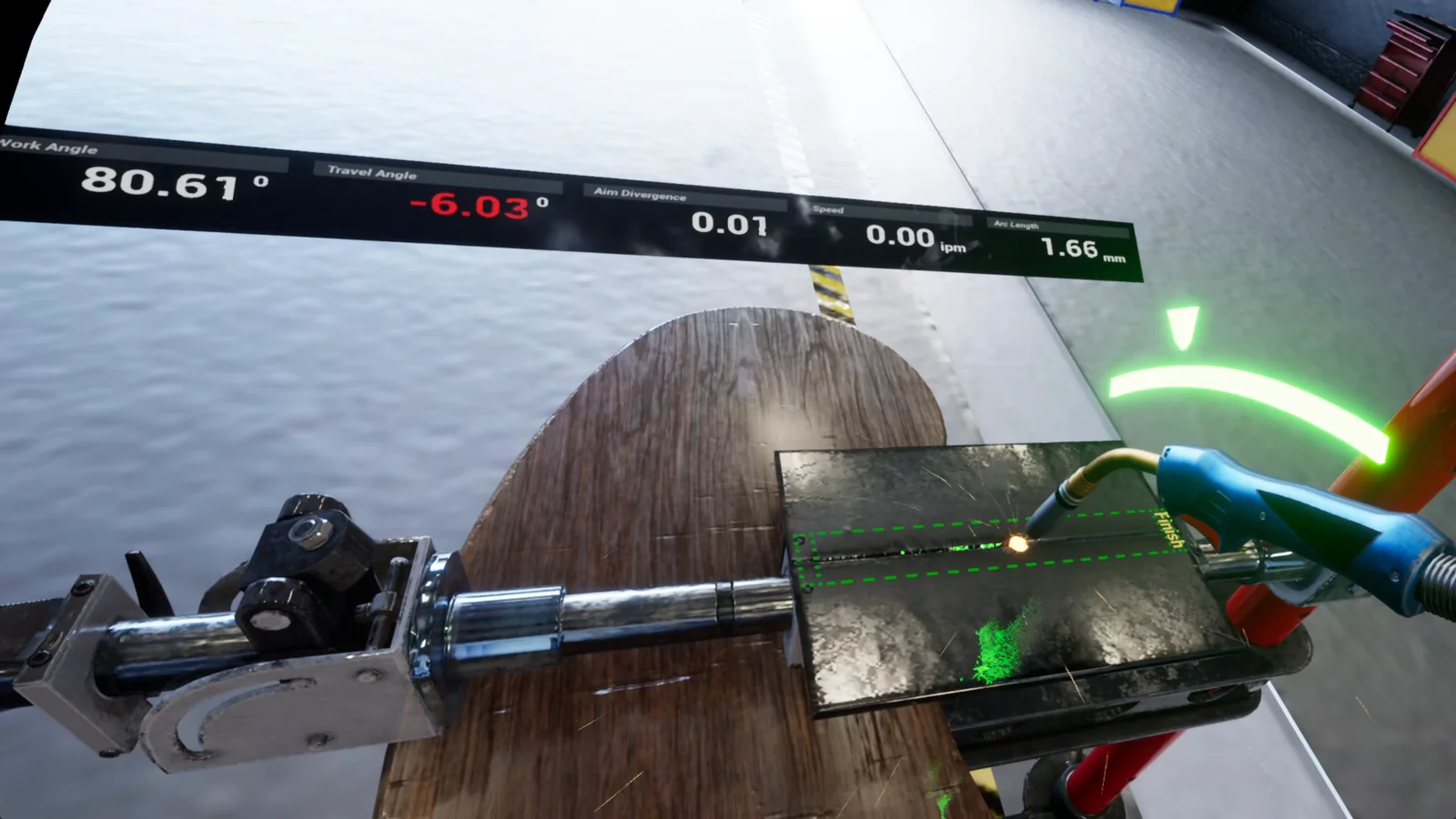
The welding training guide explains how this kind of feedback can fit alongside supervised workshop practice. The instructor's practical assessment remains part of the course.
Make it work for a class, not just one student
If a class shares a small number of headsets, plan the rotation before commissioning the lesson. Other students could observe a shared view, discuss a worksheet or prepare their own attempt while a learner uses the headset.
- Give students a short introduction to the controls that is separate from the subject lesson.
- Make the exercise easy to reset between learners, without carrying over another student's answers.
- Let the teacher see where a student is stuck and offer help without taking over every action.
- Provide an equivalent activity for students who cannot use the headset comfortably.
Language, reading level and caption requirements belong in the lesson plan. If the course serves younger learners, check the selected hardware's age guidance and your institution's supervision and accessibility requirements.
Check what carries over to practical work
A 2024 exploratory study by Nasri and colleagues examined a VR apprenticeship for cold-spray manufacturing. Its 22 participants practised a machinery task virtually and were then assessed using real equipment. The small, single-task study illustrates a useful evaluation approach. It does not establish results for every course.
Choose your own follow-up task before the virtual lesson is built. A teacher might ask students to identify the same parts on real equipment, explain a diagnosis or perform a supervised assembly with fewer prompts.
Record enjoyment and confidence as learner feedback if they matter to the course. Check practical skills separately. Time in the headset alone does not show what a student understands.
Use a headset where it adds something to the lesson
VR is worth considering when position, scale or coordinated movement matters. A browser lesson may be easier to share when the task mainly involves reading a situation and choosing a response. A physical model may be the better teaching tool when learners need to feel a fit or a force.
You can combine these within one course. Use the training-format guide to compare them, and choose one lesson for a first trial. Include setup, teaching and reset time when deciding whether it works in your timetable.