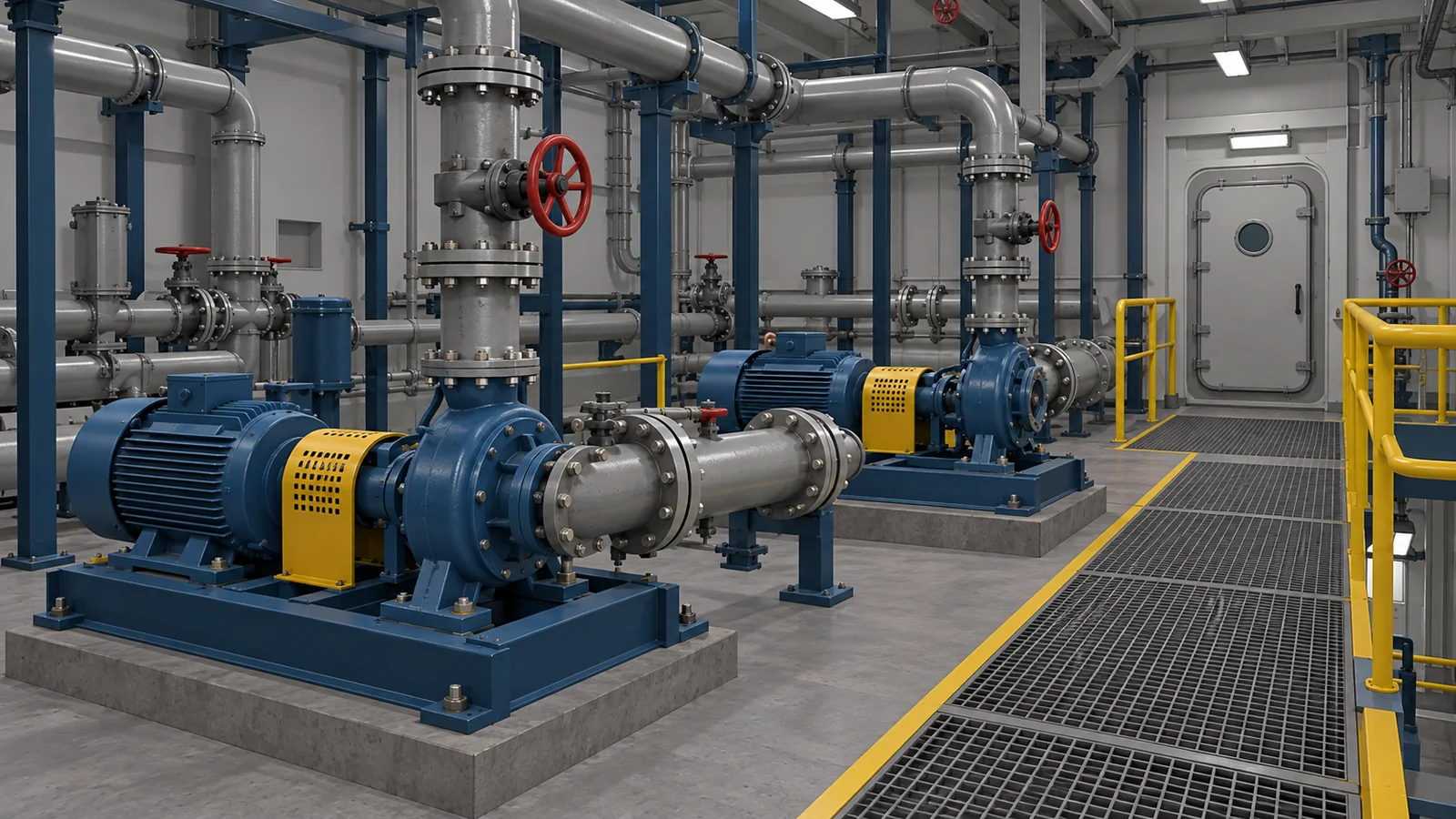
Prepare for an unfamiliar vessel or installation
A familiarisation exercise could let a joining crew member explore an equipment area and locate the items used in a training task. They could revisit a route or inspect a component without needing another person to repeat the tour. The onboard instructor would then have a shared reference when explaining the real space.
That makes a focused area a useful starting point. An engine-room lesson might centre on one system and its surrounding access. A deck lesson could focus on recognising the layout used in a particular exercise. The area should be large enough to make the task understandable.
Where Maersk Training uses VR
In a July 2025 article, Maersk Training describes starting with safety behaviour workshops and mooring scenarios. It also lists hazard identification and technical engine training among its VR applications. The author explains that learner and instructor feedback helped refine its approach.
An equipment lesson can help a joining crew member recognise a system, while a scenario gives the instructor a decision to discuss. These uses address different parts of preparation for work on board.
Use a situation that invites discussion
Imagine a trainer-led engine-room exercise where a joining crew member must locate a pump from a work description. Two similar units sit nearby. The learner could inspect their identification and ask for clarification if the description is unclear. The instructor can then discuss the information needed to identify the intended equipment.
The value is the opportunity to examine those decisions together. Changing the work description gives the learner another reason to check the equipment rather than remember its position. A shared desktop view may be enough for that discussion. VR adds a personal view of the space when looking around is part of the lesson.
Give crews another way to revisit a lesson
A short equipment exercise could also help people revisit a topic between instructor-led sessions. For example, a learner might explore a system, identify the components named in a lesson and work through a scenario their instructor has already introduced. The next session could begin with the questions that exercise raised.
Crews could revisit the lesson in different ways. A headset gives each learner a view they can explore by looking around. A desktop version lets an instructor share the equipment with a group, while a browser or mobile exercise could make a shorter review available between sessions.
Keep practical competence at the centre
Virtual practice sits alongside supervised onboard learning, practical drills and any required course assessments. A visual simulation cannot reproduce the physical forces or working conditions of a vessel or offshore installation. Completing it does not grant a maritime qualification or replace required practical training.
A first exercise gives your instructors something concrete to judge. They can check whether learners recognise the relevant equipment and explain their decisions, then observe what carries into practical work. That helps you decide whether another scenario would address a training gap your crews actually have.