Make the first visit more useful
If access to an equipment area is limited, the first visit can carry a lot of teaching. An instructor may need to explain the layout while also introducing the task. A virtual version gives technicians time to learn where things are beforehand, at a pace that allows questions and repetition.
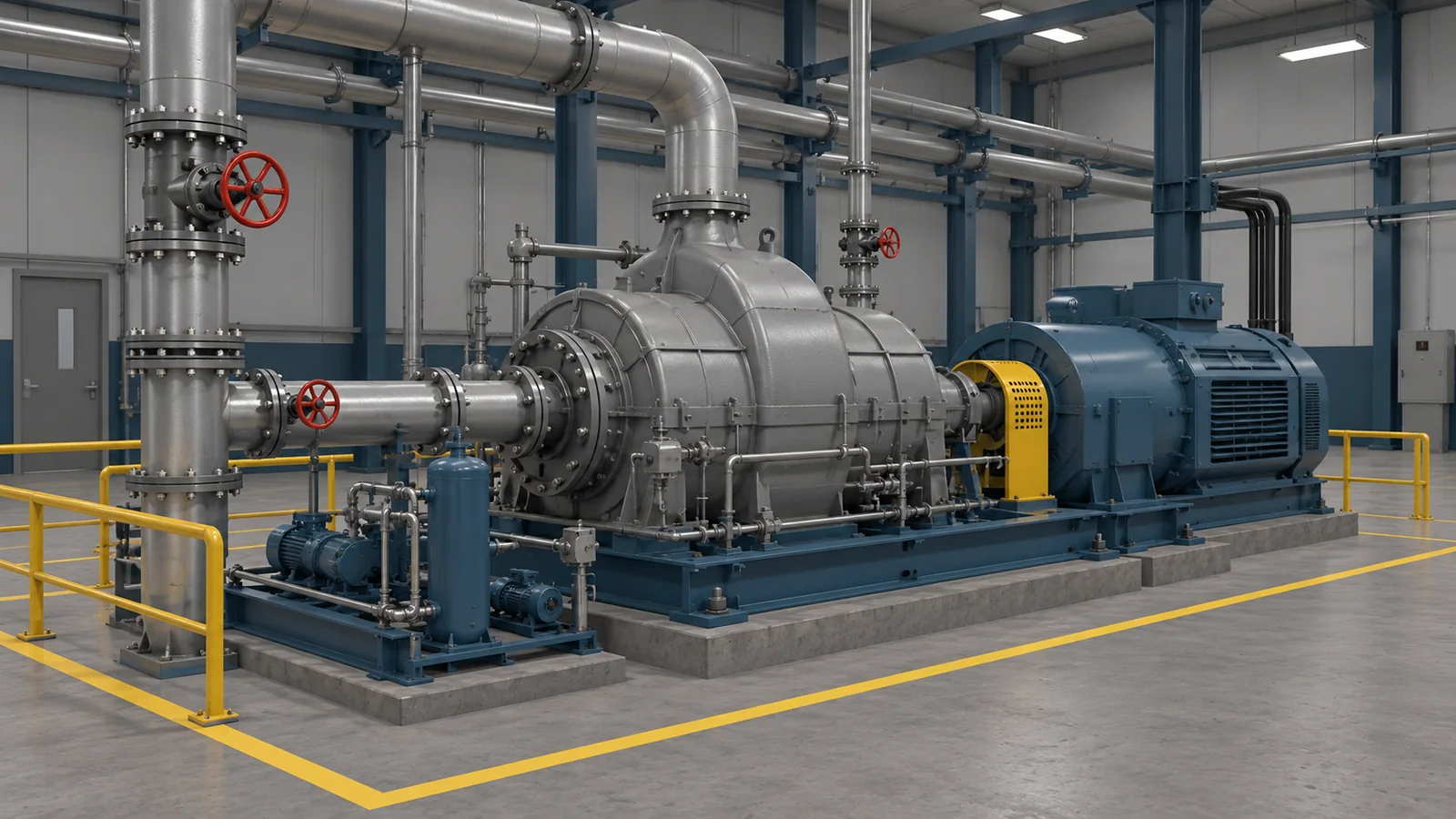
Consider a lesson around a pump and its nearby equipment. The learner could locate the unit from a work description, identify the relevant components and explain what information they would need before the job. That gives the instructor a specific point to discuss when the learner reaches the plant.
An example from electricity generation
EDF R&D describes training and maintenance preparation among its uses for virtual and augmented reality. Its VVPRO Prepa application helps operators prepare interventions and find their way around nuclear reactor buildings virtually.
For a training manager, the useful idea is preparation around a real place. A technician who has already explored the work area can arrive with questions about the task itself. The same approach could support a smaller equipment area at a different type of plant.
Let technicians explain a decision
A maintenance lesson can go beyond naming parts. A technician might inspect a simulated equipment condition, compare it with the job information and decide whether to continue the exercise or request guidance. The trainer could introduce a less familiar condition when the learner is ready for another attempt.
The benefit for the instructor is a shared situation to discuss. Two learners may reach the same answer for different reasons. Asking what they noticed can reveal a misunderstanding that a multiple-choice result would leave hidden. The instructor can revisit that moment, then let the learner try a different condition.
Use the format that fits the lesson
VR is useful when learners need to look around equipment and understand its position in a space. A desktop version can suit a group discussion, with the instructor navigating while technicians explain their choices. Browser or mobile delivery is another option for a shorter review between sessions, subject to the exercise and devices.
An instructor could pause at the point where a learner hesitates and invite the group to explain what they would look for. Experienced technicians can share the observations behind their decisions while new starters explore the same equipment. The lesson can return to that moment without holding up a maintenance job.
Connect virtual practice to supervised work
Virtual practice belongs alongside supervised practical work and your plant’s authorisation process. A headset does not reproduce the physical demands or hazards of the real job, and completing an exercise does not certify a technician to work on equipment.
To judge its value, ask instructors what changes during the next supervised session. Do technicians find the relevant components with less prompting? Can they explain a concern clearly? Those observations can help you decide whether the exercise deserves a larger place in the training programme.