Make the first site visit less unfamiliar
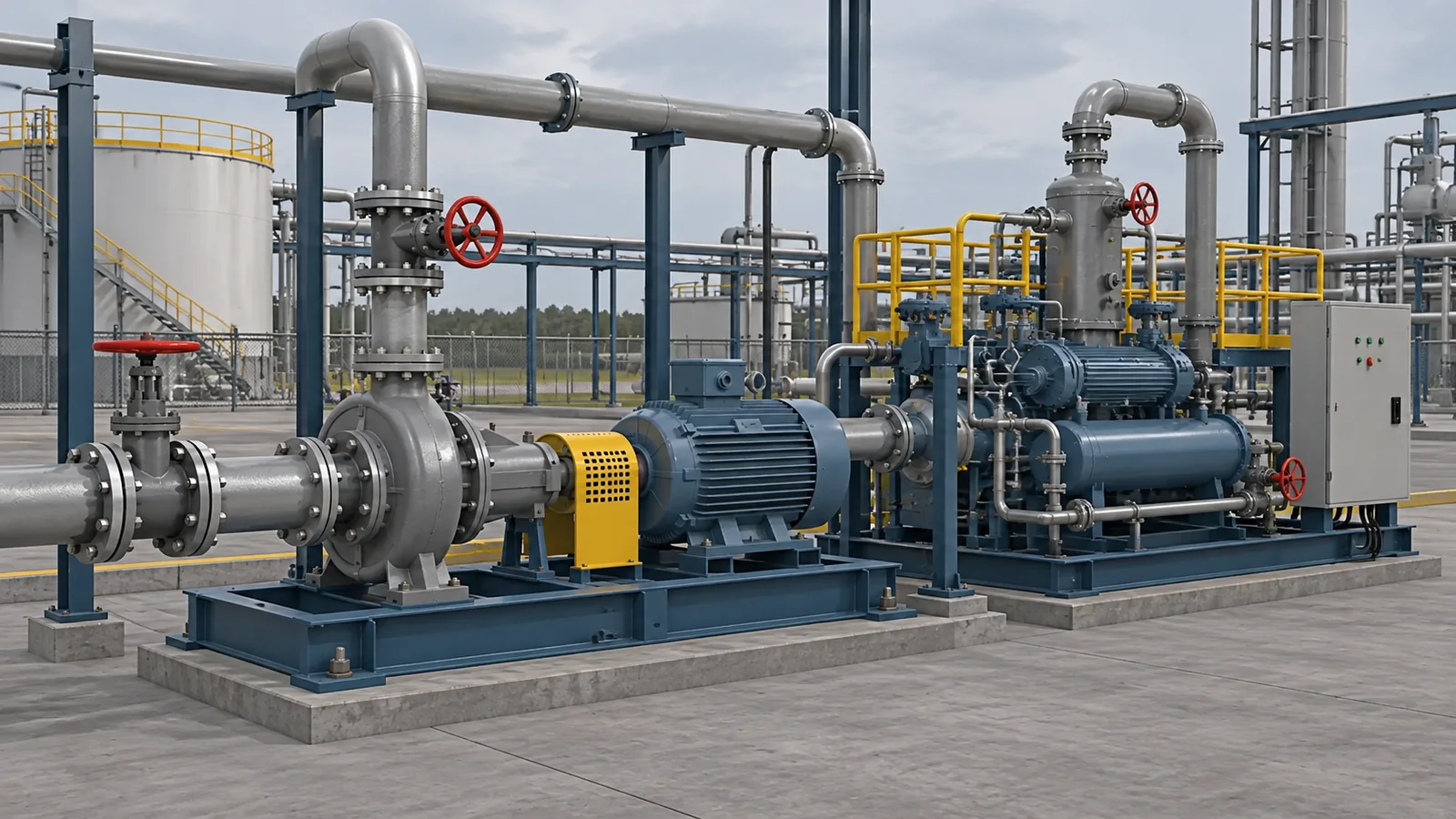
A new team member may have seen photographs and drawings without understanding how the installation fits together. A virtual environment could let them explore the work area, identify equipment relevant to their role and ask questions while an instructor shares the view.
That setting also gives experienced staff a way to explain details that are easy to miss in a presentation. They could return to an awkward sightline or point out how a work area relates to its surroundings. The learner has somewhere to look while the explanation unfolds, even before a site visit is available.
Give a team something specific to rehearse
In a response exercise, an instructor could introduce a reported problem and ask learners to explain what they notice and who needs that information. The scenario could then change so the group has to review its earlier understanding. Your training team would decide which roles and decisions the exercise covers.
The discussion afterwards can focus on the moment people interpreted the same information differently. A replay or another attempt could help an instructor explore that gap. This is particularly useful as a teaching idea when the learning objective involves communication between people in different parts of a facility.
The maritime and offshore training guide explores crew scenarios, including mooring practice, with instructor feedback.
Shell describes VR for equipment learning and response training
On its AR and VR page, last updated on 23 October 2025, Shell describes using VR for training that includes responses to major leaks or explosions. It also describes transparent views of pumps and compressors so learners can see internal equipment.
For its emergency response programme, Shell says the scenarios use results from gas and fire dispersion modelling. That is a specific approach within Shell’s programme. It illustrates why an equipment explanation and a physically modelled incident are different kinds of training application, with different evidence behind what the learner sees.
Look inside equipment that is hard to explain from outside
A lesson does not need a major incident to be useful. An equipment exercise could reveal an internal assembly, let a learner identify its parts and connect them to an explanation of how the equipment works. An instructor could revisit the same view when someone asks a question.
For maintenance preparation, the lesson might stay with recognising the work area and understanding the intended task. That gives the team a common reference before supervised work. It could be a more relevant use of the format than a dramatic scenario if the current difficulty is simply helping new staff understand unfamiliar equipment.
Keep the exercise connected to the job
Virtual training needs to sit alongside real supervised practice, site induction and the practical assessments your organisation requires. A scene represents the conditions included in its model. A convincing picture alone cannot establish incident physics or qualify someone to work on an installation.
For your team, the useful starting point may be a place people struggle to picture or a conversation that needs rehearsal. Simvra can discuss a focused exercise around that training need, with your specialists reviewing what it teaches and how it relates to work on site.