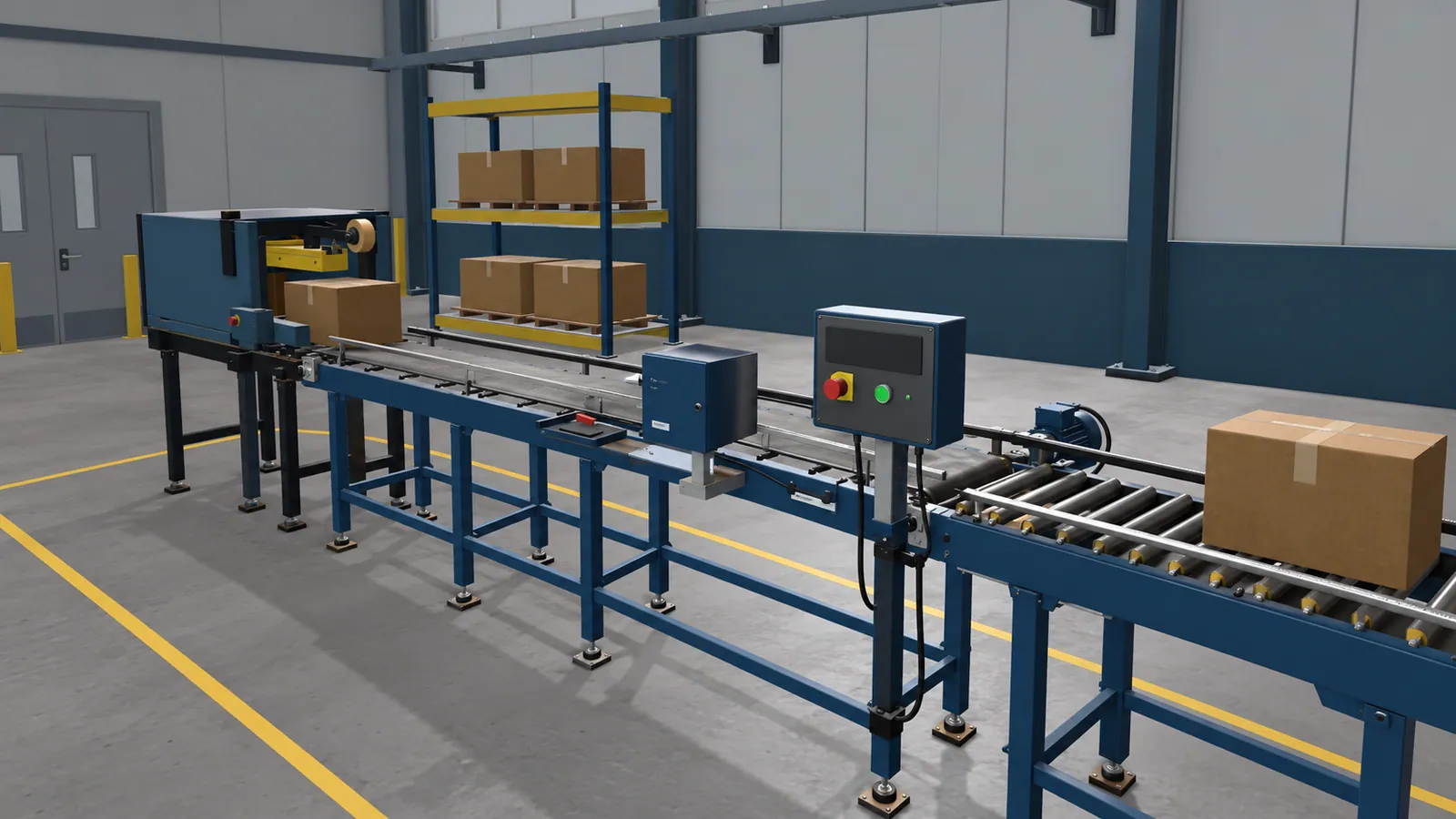
Which manufacturing tasks are worth considering?
Look for tasks that involve inspection, a defined sequence or a decision based on what the learner sees. Your brief should state which actions the lesson records.
| Training need | What a learner could practise | What the instructor can review |
|---|---|---|
| Equipment familiarisation | Find components, controls and inspection points on the machine. | Which items they identified and what they missed. |
| Operating procedures | Follow a defined startup or shutdown sequence and respond to prompts. | The order of actions, skipped checks and requests for help. |
| Maintenance preparation | Recognise parts, rehearse an inspection and record what needs attention. | Observations and decisions before supervised practical work. |
| Fault finding | Compare symptoms, inspect relevant areas and choose the next step. | The evidence used, incorrect choices and missed stop conditions. |
A scenario can respond only to conditions built into it. For an unexpected machine stop, your procedure owner defines the symptoms and approved responses. Simvra builds and tests those interactions within the agreed scope.
The food and beverage guide describes a possible exercise where learners spot a packaging-label mismatch.
What a maintenance exercise looks like
In the excavator trainer built for United Tractors School, the maintenance lesson includes cleaning the air filter and marking the service record. The trainee handles the task in the equipment context, with the part and the next action in view.
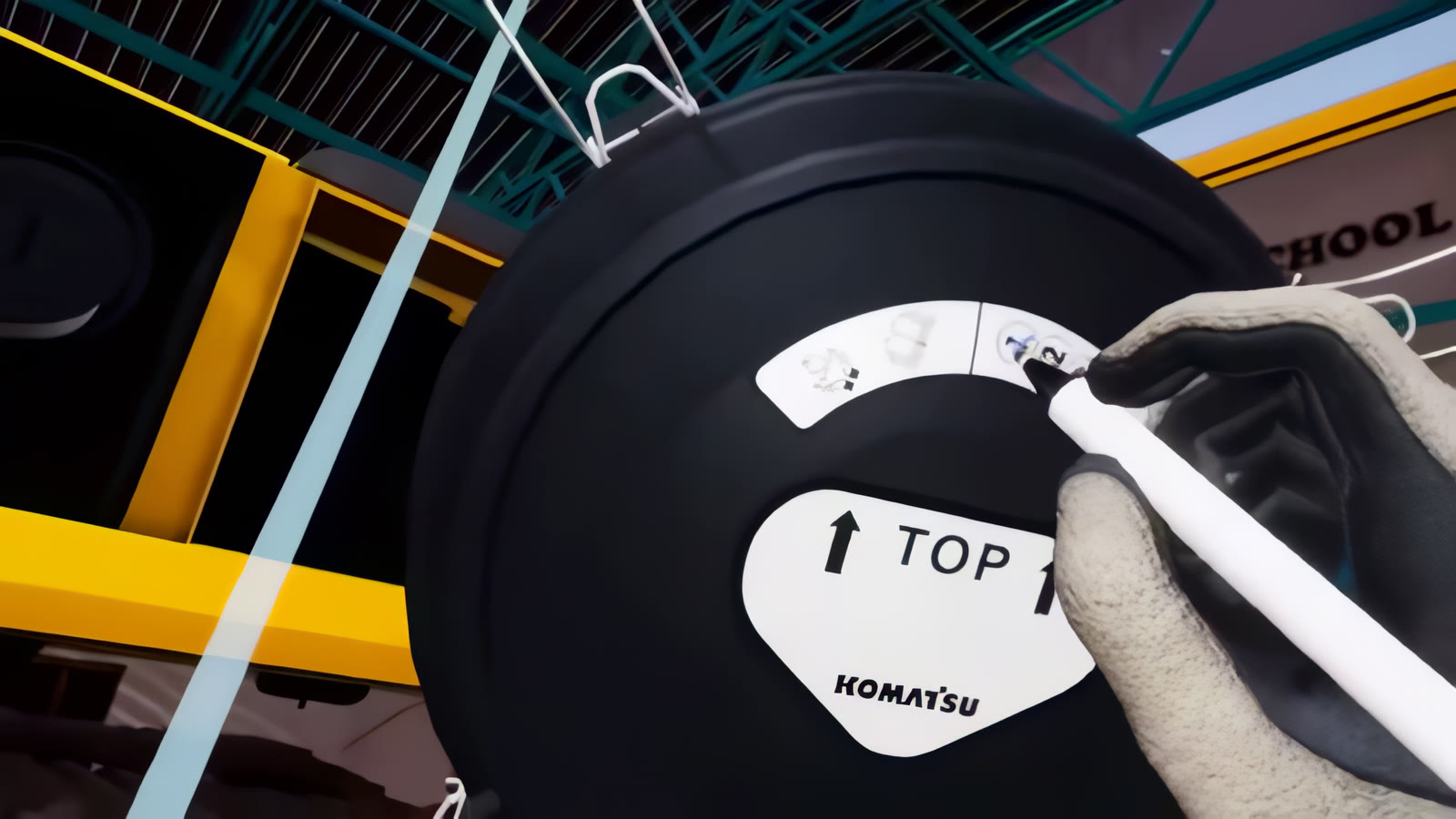
A factory lesson could use similar interactions: inspect a part, carry out a specified action and record completion. The machine, procedure and checks would be set for your equipment.
Does it need a headset?
VR is worth considering when looking around the machine, reaching a component or judging its position is part of the exercise. An instructor can watch how the trainee approaches the equipment, as well as whether they choose the right answer.
For a lesson centred on inspection choices or a procedure sequence, a desktop or browser version may be enough. Learners use a mouse and keyboard to explore the equipment and make decisions. Try Conveyor Quick Fix to see a public example of interactive web training.
Written instructions and video still have a place. If someone only needs to look up a setting or watch a short explanation, building a simulation may add little. The training-format comparison covers this choice in more detail.
Which factory details belong in the lesson?
The equipment should be recognisable where recognition affects the task: the right control layout, access points, parts and labels. A detailed ceiling or distant production line is less useful if nobody interacts with it.
Start with the current procedure, equipment photographs and any drawings or 3D models you can share. Ask an experienced operator or instructor where new starters usually hesitate. Those points often deserve more attention than a photorealistic background.
If the lesson includes a hazardous condition, your subject expert needs to define the response and the point at which the trainee must stop or escalate. A VR result does not replace supervised work, your site’s authorisation process or checks on real equipment.
Check whether it helps on the job
Before commissioning a full set of lessons, choose something observable to check. It might be how often trainees miss an inspection point, how much prompting they need, or whether they can explain why a machine should remain stopped.
Review a working exercise with an instructor, then try it with representative learners. Watch for confusion caused by the controls or wording. After virtual practice, use your normal supervised practical check to see what carries over. Keep app scores and real-task observations separate so a high simulator score is not mistaken for proof of job competence.
A useful first project gives you a working exercise and enough feedback to decide what to improve or build next. Our project-planning guide helps turn that task into a brief.