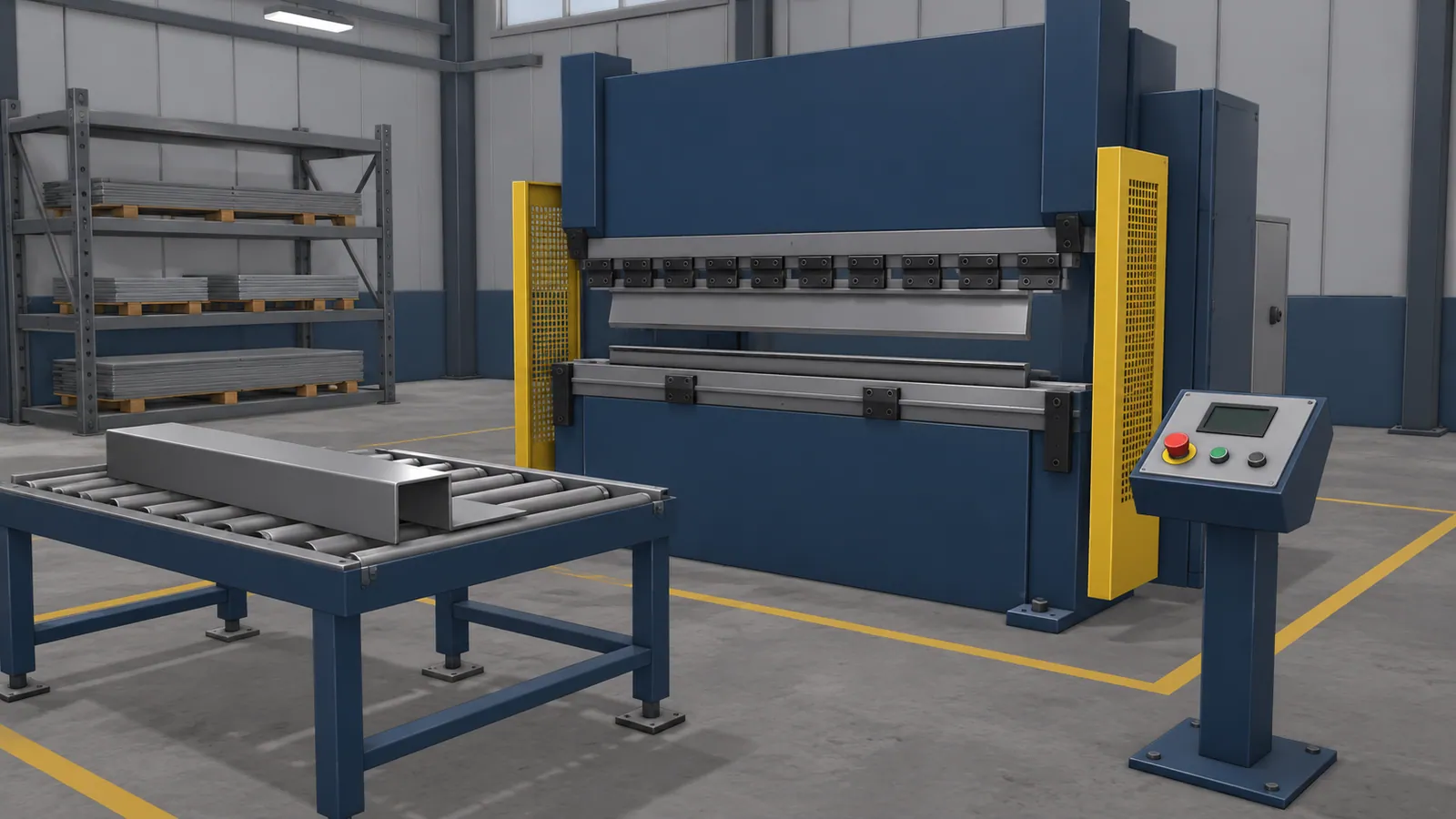
Choose a process, not a whole virtual factory
A foundry, a fabrication workshop and a press shop need different lessons. A general factory scene may look familiar without teaching the decisions that matter in any of them.
Start with a process your instructors know well. Identify the learner’s role and the problem with current practice: limited access to equipment, a confusing layout, a recurring missed check or a situation that cannot be staged safely.
| Work area | Possible simulation exercise | Training focus |
|---|---|---|
| Foundry | Explore the process layout and identify restricted areas in a scene prepared by the site instructor. | Recognising where a task takes place and when to seek guidance. |
| Pressing and forming | Inspect the virtual work area, identify what needs attention and explain who should be told. | Noticing relevant conditions before the next stage of work. |
| Machining | Locate controls, inspection points and the information needed for a defined task. | Equipment familiarity and preparation. |
| Welding and fabrication | Repeat a virtual torch movement with visible feedback. | Understanding technique before applying it in the booth. |
These are lesson ideas, not operating instructions. Your site’s procedures determine the correct actions and the limits of each role. Our welding training guide looks more closely at technique feedback and workshop practice.
A delivered example of torch practice and feedback
In the simulator built for Kampuh Welding School, the trainee moves a virtual torch along a clamped plate. Readouts above the workpiece show work angle, travel angle, aim divergence, speed and arc length during the weld.
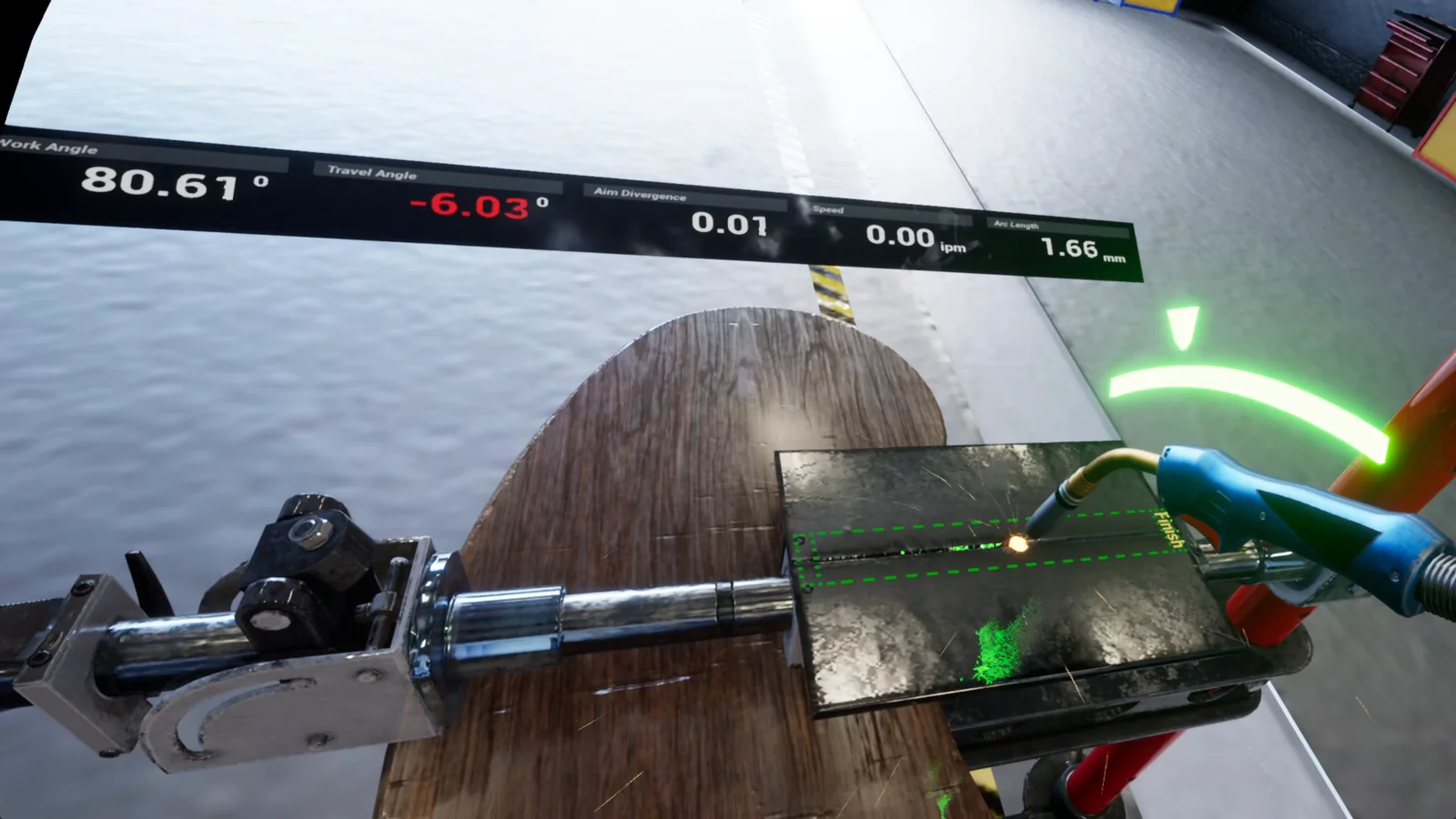
The welding project shows the delivered setup and Faisal’s role. For a course using this kind of feedback, the instructor would still need to check technique in supervised workshop practice.
A new starter and an experienced technician need different practice
A new starter may need orientation: where equipment sits, what the main components do and who is responsible for each stage. That lesson should leave room to explore and ask questions.
An experienced operator may need practice with a changed procedure or an unusual condition. Repeating basic component labels adds little if the difficulty is deciding what to do next.
For maintenance staff, a useful exercise might present observations and ask which information to check before reaching a conclusion. The maintenance and troubleshooting guide explains how to teach that reasoning without turning the task into a guessing game.
Keep the details that affect a decision
Control labels, access points and the relationship between machines can matter more than a highly detailed background. If a learner must notice a blocked view or recognise a particular component, the scene needs to make that judgement possible.
Ask an instructor to walk through the proposed exercise with current photographs, drawings or equipment references. Useful questions include: could a learner mistake this for a different machine, is the important information visible, and does the feedback explain the decision?
A hazard-recognition exercise should do more than reward clicks on obvious warning signs. Ask the learner to explain what they noticed and choose a response from the site-approved options. A correct answer is more useful when the instructor can see the reasoning behind it.
Check what learners can do after practice
Finishing a virtual exercise does not show whether someone can apply it at work. Follow practice with a supervised check that matches the lesson’s purpose.
Check something observable: can the learner identify the relevant part on the real equipment, explain a stop decision, or complete the next supervised training task with fewer prompts?
Fit the simulation into the training you already run
A simple sequence is an instructor introduction, virtual practice, a discussion of mistakes and supervised work in the relevant area. The simulation gives learners another chance to prepare. Practical training still covers heat, weight, resistance, protective equipment and local working conditions.
Use VR when scale, position or looking around the equipment matters. For an inspection decision or a sequence that works clearly on a screen, desktop or browser training may be enough. The format comparison can help with that choice.
Keep the first exercise small enough for an instructor to review thoroughly, but complete enough to teach a useful task. A realistic decision with clear feedback is a stronger starting point than an impressive factory tour with nothing to practise.